


Brightspeed Business
Hub Support
Brightspeed Business
Hub Support
Brightspeed Business
Hub Support
 Sign in to Business Hub

View a Standard Summary Billing Report
View a Standard Summary Billing Report
View a Standard Summary Billing Report
The Standard Billing Report provides an overview of trends in your billing data. You may also create a Custom Summary Billing Report if you want to tailor a report to your needs.
The Standard Billing Report provides an overview of trends in your billing data. You may also create a Custom Summary Billing Report if you want to tailor a report to your needs.
The Standard Billing Report provides an overview of trends in your billing data. You may also create a Custom Summary Billing Report if you want to tailor a report to your needs.
×
![]()
To view a Standard Summary Billing Report:
- Sign in to Business Hub.
- Click Billing > Bill Analyst.
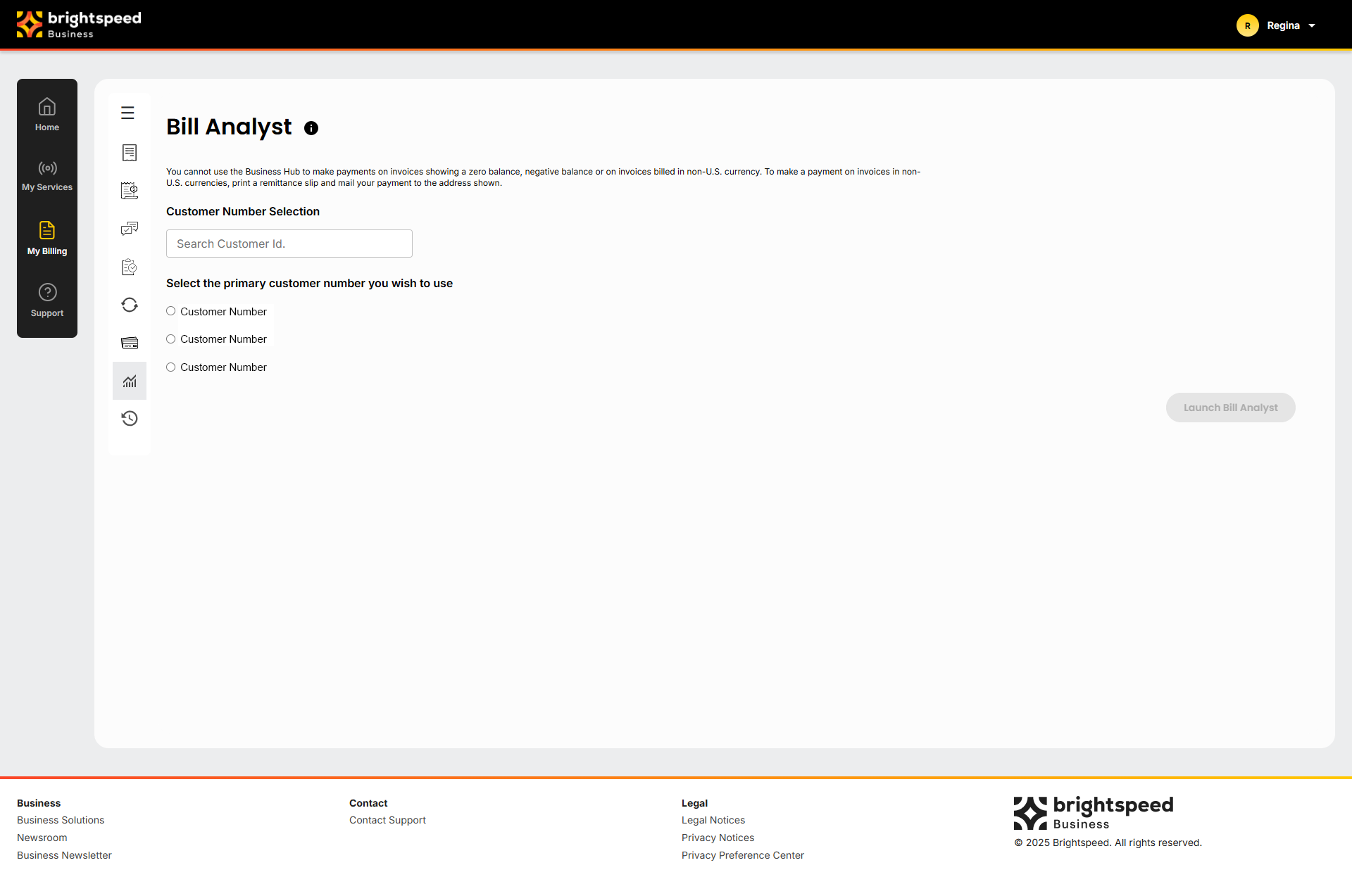
- Select the radio button next to the account you want to view, and then click Launch Bill Analyst.
- Click the Reports tab, and then click Summary Reports.
- In the Charges section, click the name of the report you want to view.
- To view the data in a graph instead of a table, click graph icon.
To view a Standard Summary Billing Report:
- Sign in to Business Hub.
- Click Billing > Bill Analyst.
- Select the radio button next to the account you want to view, and then click Launch Bill Analyst.
- Click the Reports tab, and then click Summary Reports.
- In the Charges section, click the name of the report you want to view.
- To view the data in a graph instead of a table, click graph icon.
To view a Standard Summary Billing Report:
- Sign in to Business Hub.
- Click Billing > Bill Analyst.
- Select the radio button next to the account you want to view, and then click Launch Bill Analyst.
- Click the Reports tab, and then click Summary Reports.
- In the Charges section, click the name of the report you want to view.
- To view the data in a graph instead of a table, click graph icon.