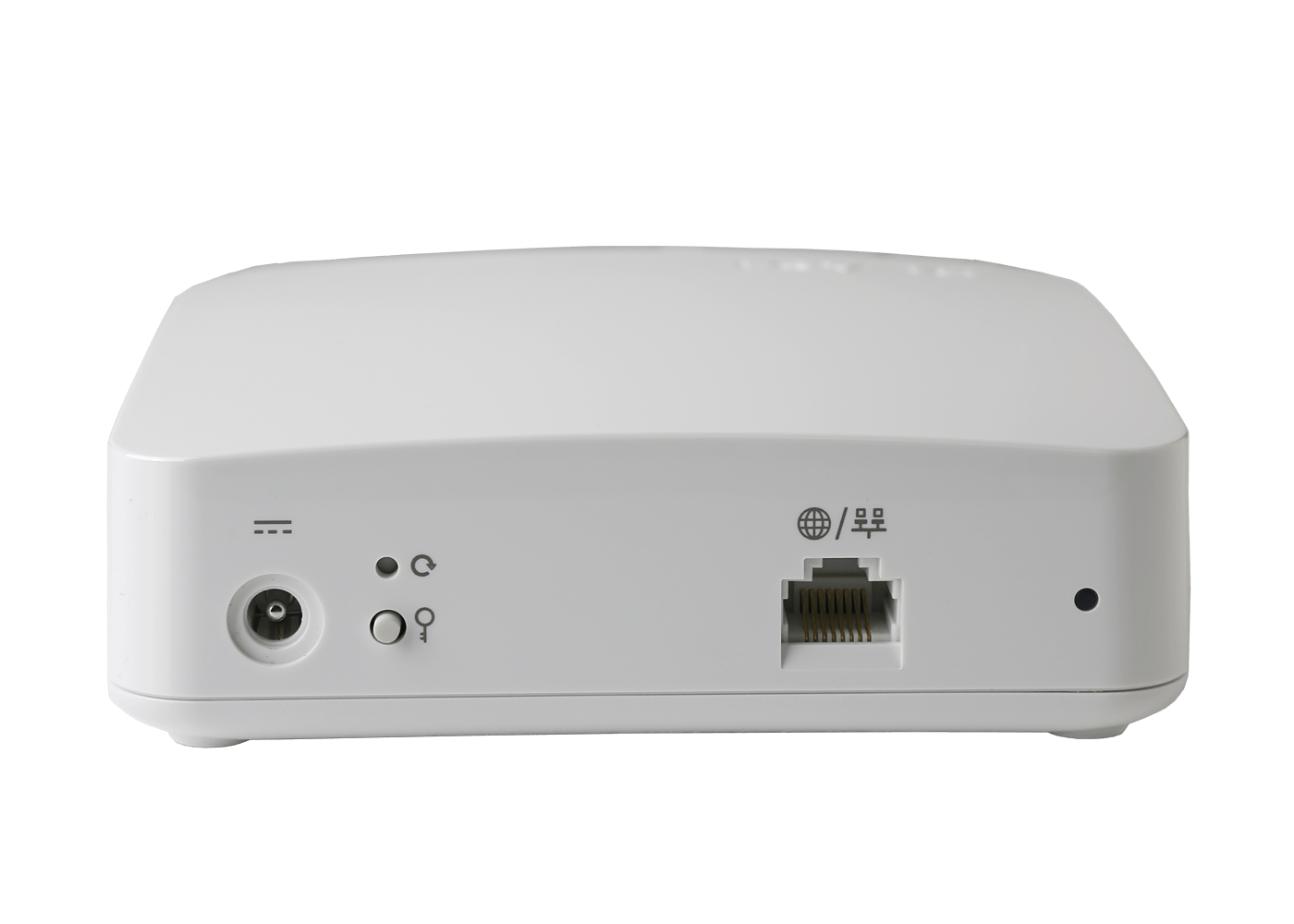


Boost your Brightspeed Business Fiber signal
GigaSpire U4M
Boost your Brightspeed Business Fiber signal
GigaSpire U4M
Boost your Brightspeed Business Fiber signal
GigaSpire U4M
From videoconferencing to running cloud-based applications, get seamless, ultrafast connectivity with our state-of-the-art Wi-Fi extenders. Our total mesh Wi-Fi ensures consistent and reliable Wi-Fi in every room of your business.
Note: Wi-Fi mesh extenders are for Brightspeed Business Fiber customers only.
From videoconferencing to running cloud-based applications, get seamless, ultrafast connectivity with our state-of-the-art Wi-Fi extenders. Our total mesh Wi-Fi ensures consistent and reliable Wi-Fi in every room of your business.
Note: Wi-Fi mesh extenders are for Brightspeed Business Fiber customers only.
From videoconferencing to running cloud-based applications, get seamless, ultrafast connectivity with our state-of-the-art Wi-Fi extenders. Our total mesh Wi-Fi ensures consistent and reliable Wi-Fi in every room of your business.
Note: Wi-Fi mesh extenders are for Brightspeed Business Fiber customers only.
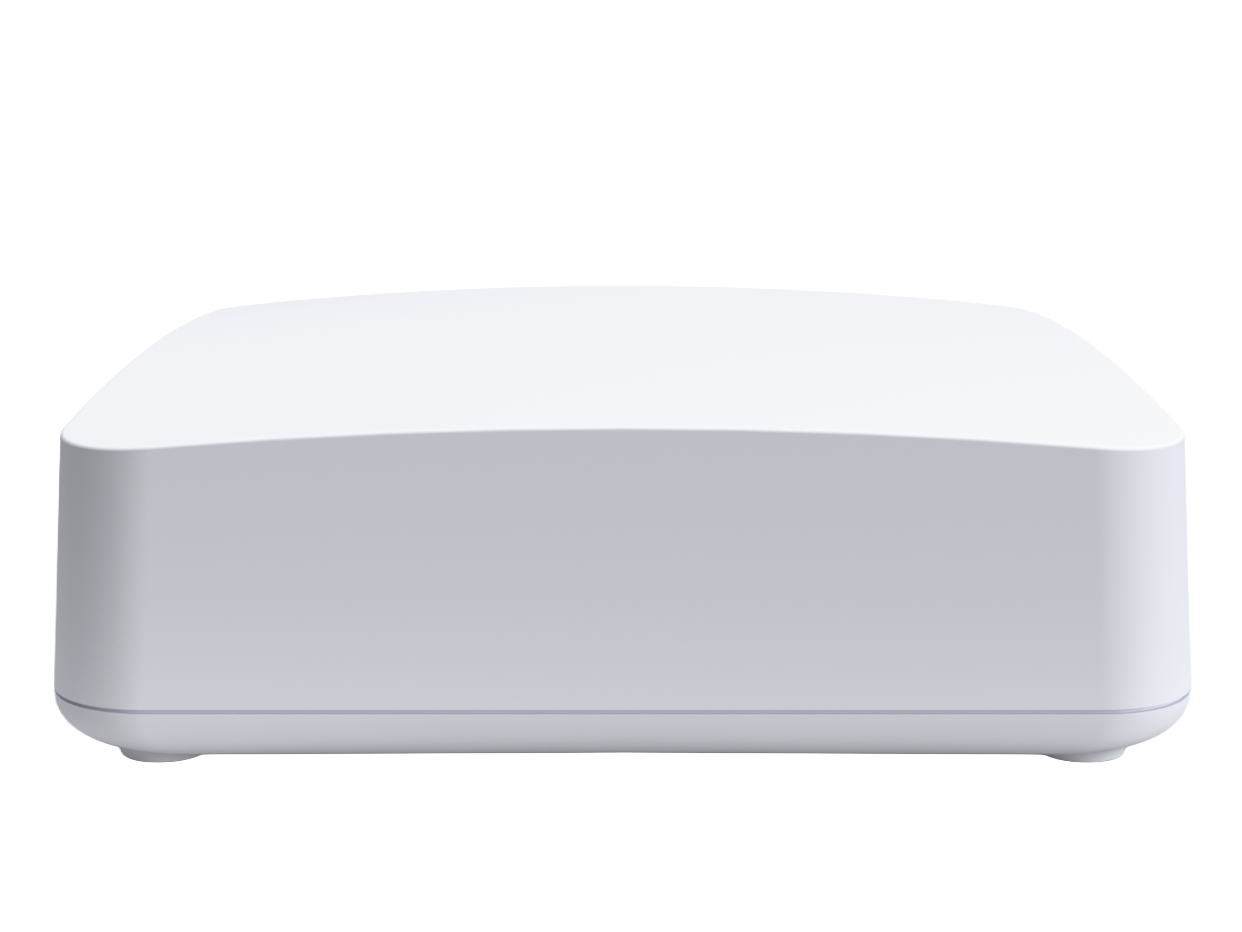
How to set up your total mesh Wi-Fi
Set up with the Brightspeed Wi-Fi app:
Set up without using the app:
Set up with wired ethernet:
Installation tip: Make sure the extenders are not placed close to one another or to the router gateway. An interference of the Wi-Fi signal can result.
How to set up your total mesh Wi-Fi
Set up with the Brightspeed Wi-Fi app:
Set up without using the app:
Set up with wired ethernet:
Installation tip: Make sure the extenders are not placed close to one another or to the router gateway. An interference of the Wi-Fi signal can result.
How to set up your total mesh Wi-Fi
Set up with the Brightspeed Wi-Fi app:
Set up without using the app:
Set up with wired ethernet:
Installation tip: Make sure the extenders are not placed close to one another or to the router gateway. An interference of the Wi-Fi signal can result.