.png)


Understanding the results of your internet speed test
So you ran your speed test. What do those results really tell you about the performance of your internet connection?
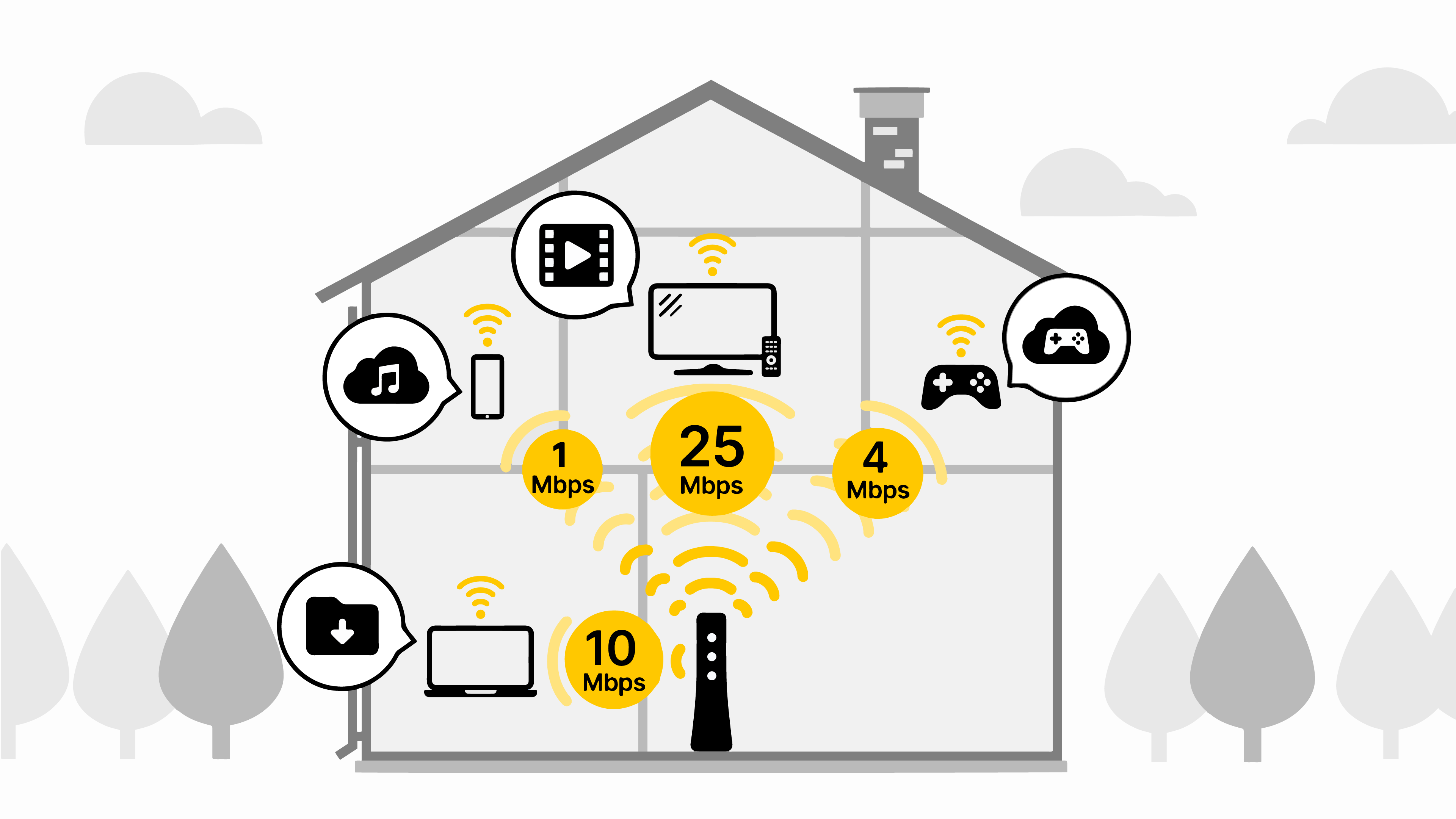
Below are recommended speeds for common activities. Learn more about what internet speed you need for different activities.
| Online activity | Bandwidth needed for 1-2 users | Bandwidth needed for 3-4 users |
| Streaming music | 1 Mbps | 2 Mbps |
| General web browsing, email, social media | 1.5 Mbps | 3 Mbps |
| HD personal video chat (Skype, FaceTime, Zoom, etc) | 3 Mbps | 6 Mbps |
| SD (Standard Definition) video streaming | 4 Mbps | 8 Mbps |
| Online gaming (multiplayer) | 4 Mbps | 8 Mbps |
| HD (High Definition) video streaming | 5-8 Mbps | 10-16 Mbps |
| HD video teleconference | 6 Mbps | 12 Mbps |
| Downloading large files | 10 Mbps | 20 Mbps |
| Ultra HD 4K video streaming | 25 Mbps | 45 Mbps |
| Remote work/learning | 25 Mbps | 45 Mbps |
Multiple factors will determine if you have adequate speed. You should consider how you use the internet, the size of your household, and which activities happen at the same time.
The internet speed test starts by identifying the network server that is closest to you. You will see the name in the lower right-hand corner of the testing window.
A "packet" of information is sent from your device to the server and back. The amount of time it takes for that information to make the trip is your ping. Next, the speed test downloads and uploads a packet of data over that connection. How quickly your internet can transfer that data from the network to your device and from your device back to the network determines your download and upload speed.
This speed is measured to and from the device you are using to run the test, which means the type of connection has a big impact on the result. Speed to your device may vary greatly depending on whether you have a wired or WiFi connection. Over a WiFi connection, speed to your device may vary greatly depending on how close your device is to your WiFi point, as well as any obstructions or distance in between. On the other hand, a wired (Ethernet) connection from the device straight to the modem will be about the same as the network speed to your home or building.
Ping, also called latency, is the amount of time it takes for your network to transfer information from your computer to a remote server and back. There will always be some latency over your network, but the lower this number, the better your performance will be. Online gamers especially want to keep an eye on ping, as high latency can lead to a noticeable delay between your actions and the actions of other players.
Learn what else to consider for online gaming.
In talking about the speed you get and the speed you're paying for, it's important to understand the difference between speed to your building and speed to your device.
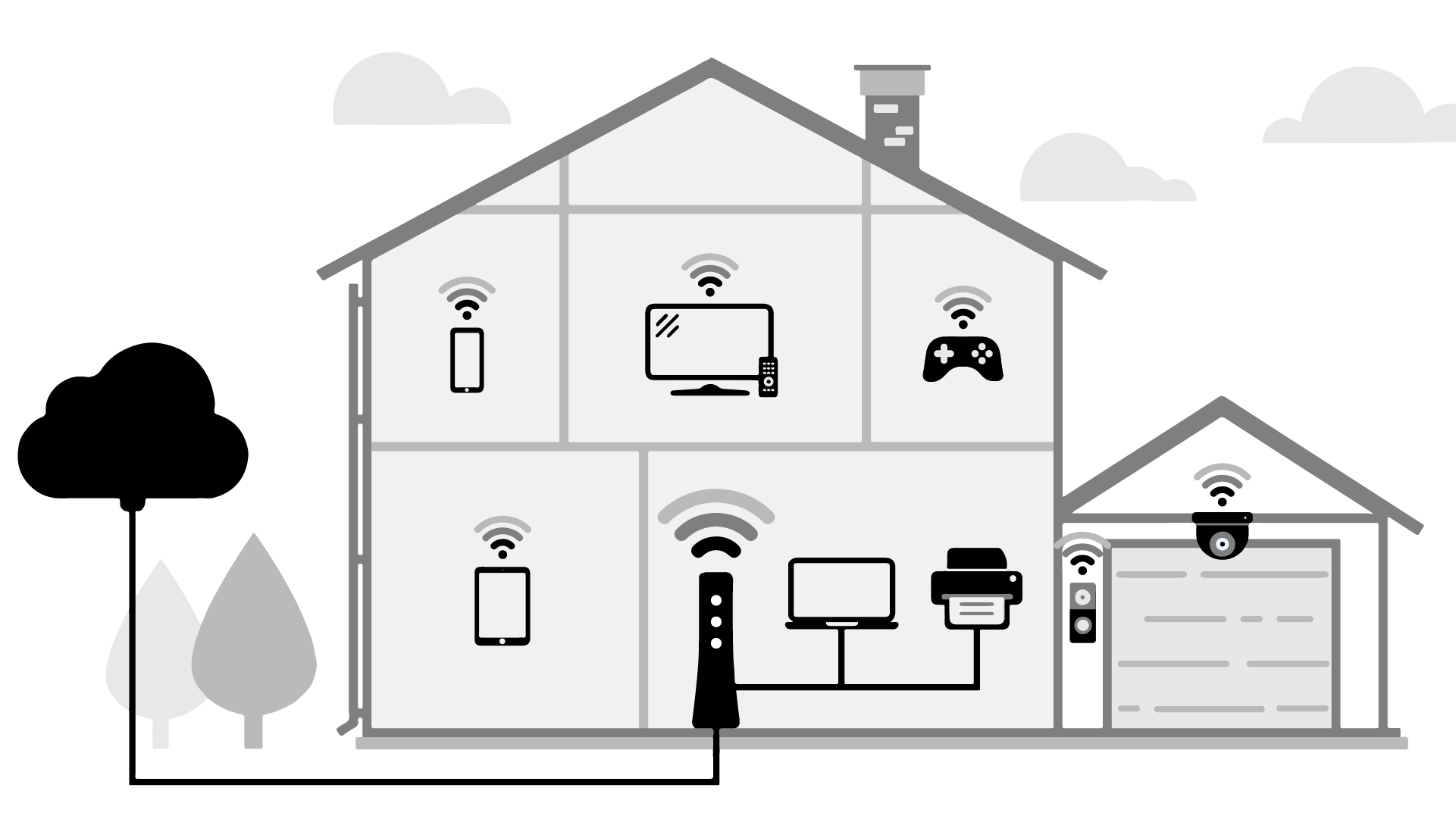
The first of these is the speed to your home or building, which tends to remain steady and should be very close to your purchased plan speed. (Sign in to My Brightspeed to view your plan speed details.)
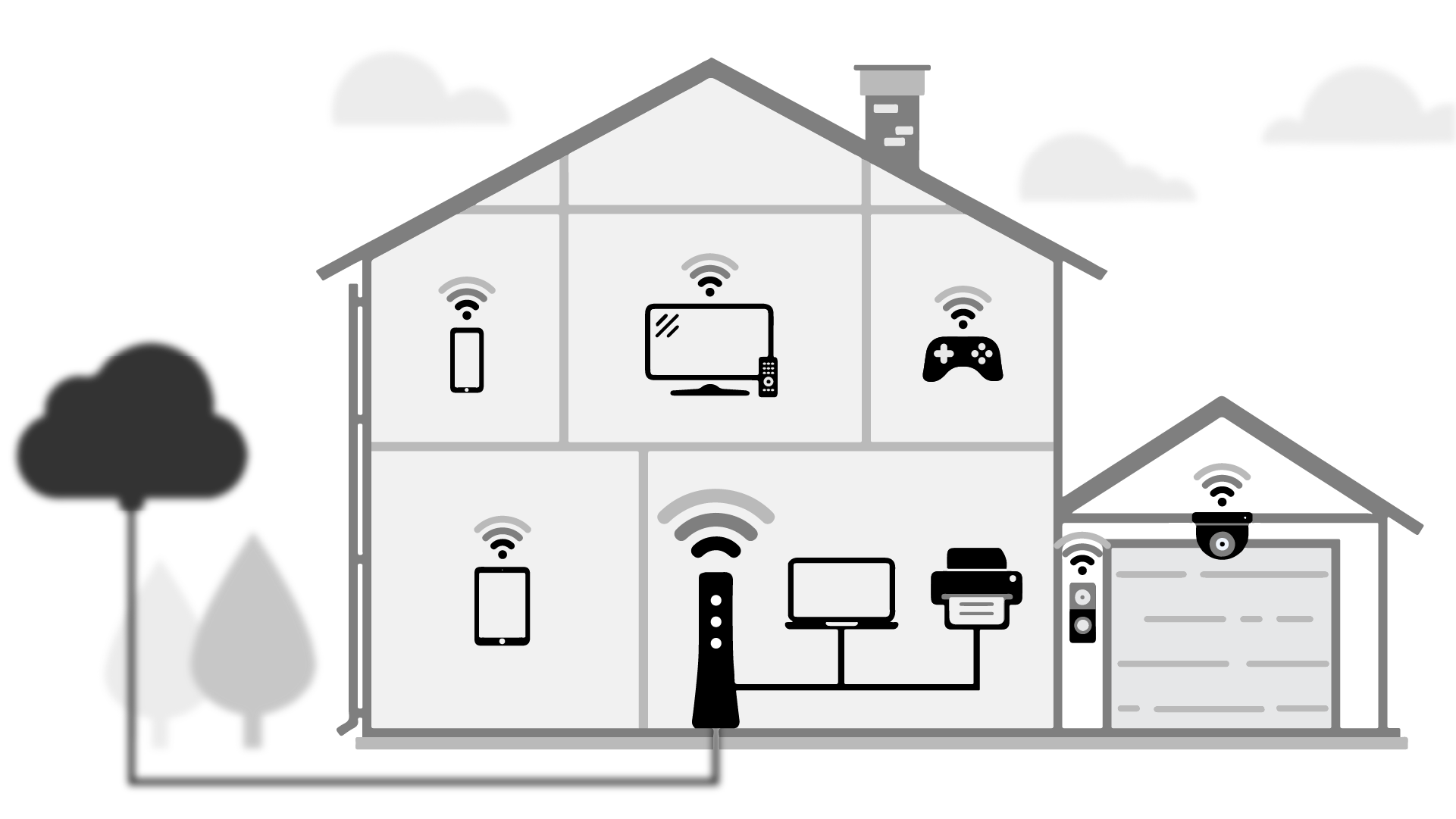
The second, speed to your device(s), is what our speed test measures and is more dynamic due to various ever-changing factors. If you run the test on a WiFi-connected device, with several other devices in your home sharing your bandwidth, the result will be lower than your network speed (and your plan speed). This is because as more bandwidth is used across all connected devices, speed is reduced. Some speed is always lost over WiFi as well.
To see what internet speed you're getting to your home, you should:
- Disconnect all other connected devices; and
- Plug a computer/laptop directly into your modem/router with an Ethernet cable.
If you do both of these before running the speed test, the results will be quite close to the speed to your premises, as little bandwidth is lost from the modem to the computer over a wired connection, and no bandwidth is lost to other devices.
If you take the steps to test the speed to your premises, and it comes back significantly lower than your plan speed, contact technical support for additional help.
The internet speed test is based on real-time network conditions, which can change rapidly. As a result, tests taken within a few minutes of one another tend to vary, at least a little. Tests taken farther apart may differ even more, due to shifting network congestion and bandwidth availability. Brightspeed recommends running the test a few times at different points throughout the day to get a better understanding of fluctuations that occur at certain hours.
Brightspeed recommends that you connect directly to the modem with an Ethernet cable and turn off other connected devices for the most accurate test of the network speed to your building. However, if you are looking to test your WiFi speed, you can also perform the speed test on a wireless device. WiFi connection speed will always be somewhat lower (and sometimes much lower) than the wired connection speed of your home network. This is because of signal loss over distance, as well as device limitations and interference.
Download speed measures how fast data travels from the internet to your device. When you stream video, stream music, or view a website, the information is being downloaded to your device.
Upload speed measures how fast data travels from your device to a different site or location on the internet. When you upload videos, photos, or files to a site, that information is being uploaded to the internet.
The internet speed test includes both upload and download speeds, so you don't have to test upload speed separately. The test results give you a full picture of your internet connection. Upload speed impacts how quickly you can send data from your devices through your network to another device or site on the internet. This is relevant when uploading files, gaming, live streaming your own videos, and video conferencing.
At this time, there is no remote option for the Brightspeed Internet Speed Test. This means the device you're using for the test must be connected to the network you would like to test.
If you need to contact a tech support agent on the phone or chat for troubleshooting help, the agent can perform a remote speed test from our network to your modem, to help determine if you have internet connection issues.
Megabits per second (Mbps) is a measure of how fast data is transferred, meaning it is used to describe internet bandwidth and speed. You will see this unit when testing the download and upload speeds of your network connection, or when looking at the connection speed of specific devices.
Megabytes (MB) are a measure of size, and are used to describe file size and digital storage capacity. A MB is larger than a kilobyte (KB) and smaller than a gigabyte (GB). Video files and high-resolution image files often have file sizes in MB.
Brightspeed Broadband Internet Service
Brightspeed services support


