
Check for Brightspeed outages.
Get started by entering your address to see if an internet outage is disrupting your connection.
 Support articles
 Pay my bill
 Troubleshoot home phone
 Sign up for outage updates
If there’s no outage, let’s help get you back online.
See if your router is causing the interruptions.
The first step toward fixing internet issues is verifying your equipment is working properly. Just follow the simple steps to restart your router in our how-to article.
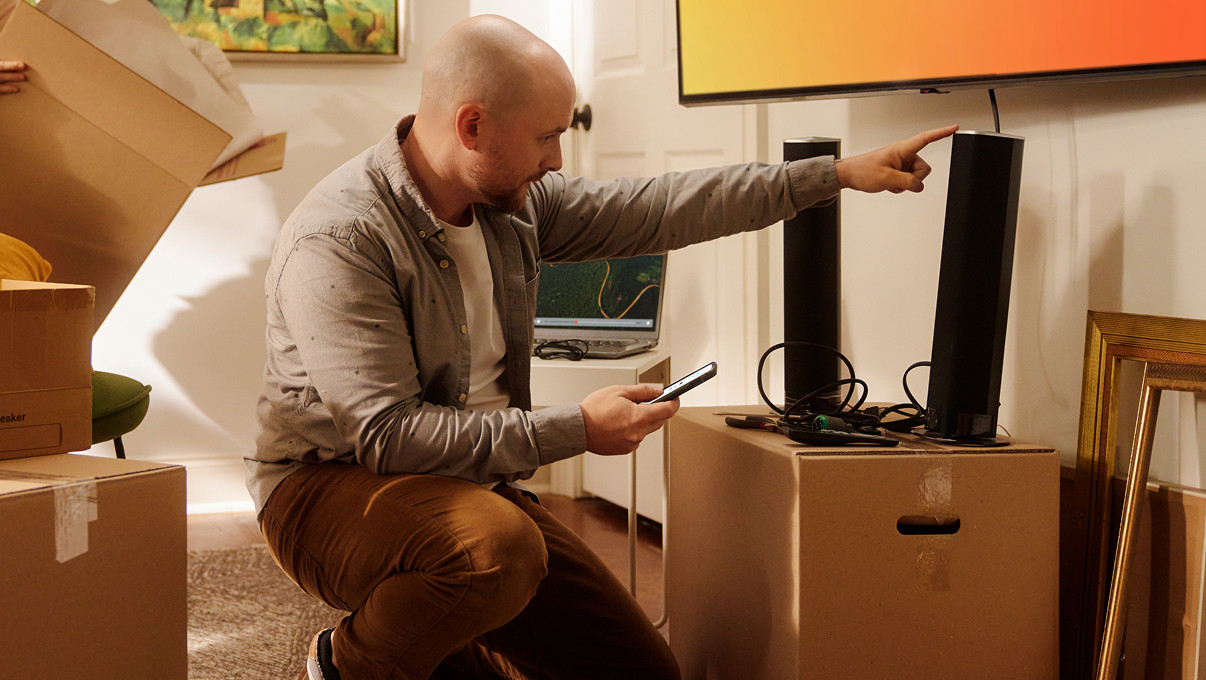
Troubleshooting for fiber users
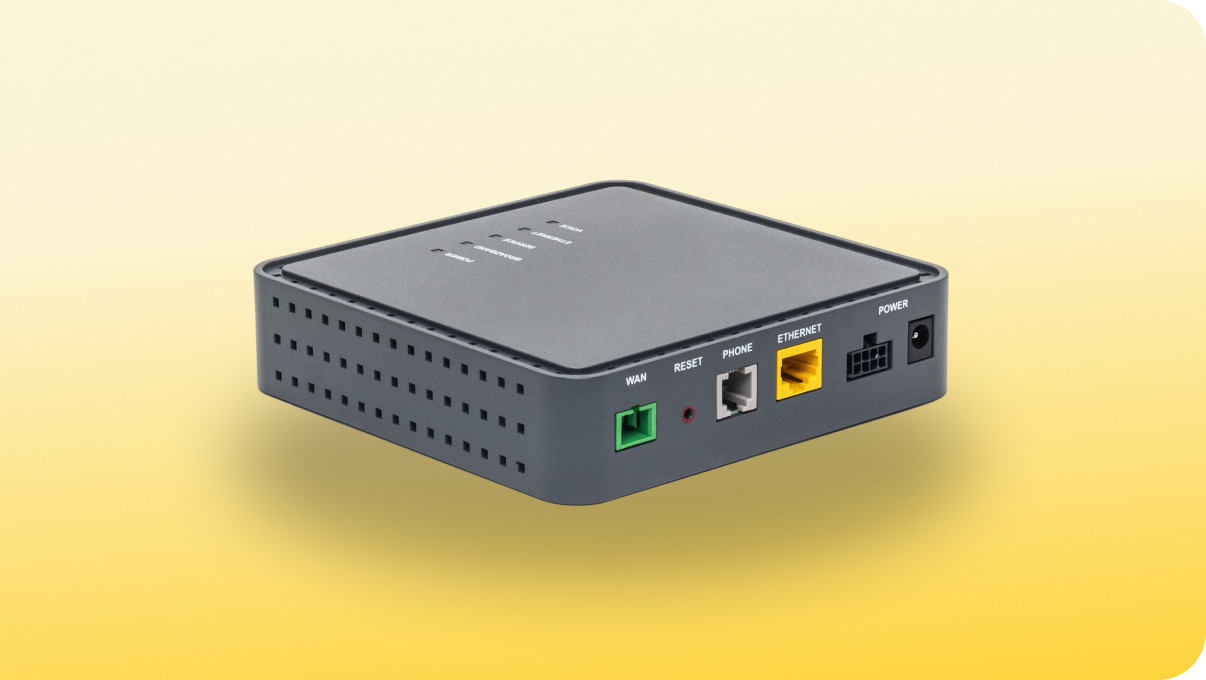
If you have fiber and restarting your router doesn’t help, try checking the power of your Optical Network Terminal (ONT) — the small box that brings fiber into your home.
Manage your account during an outage.
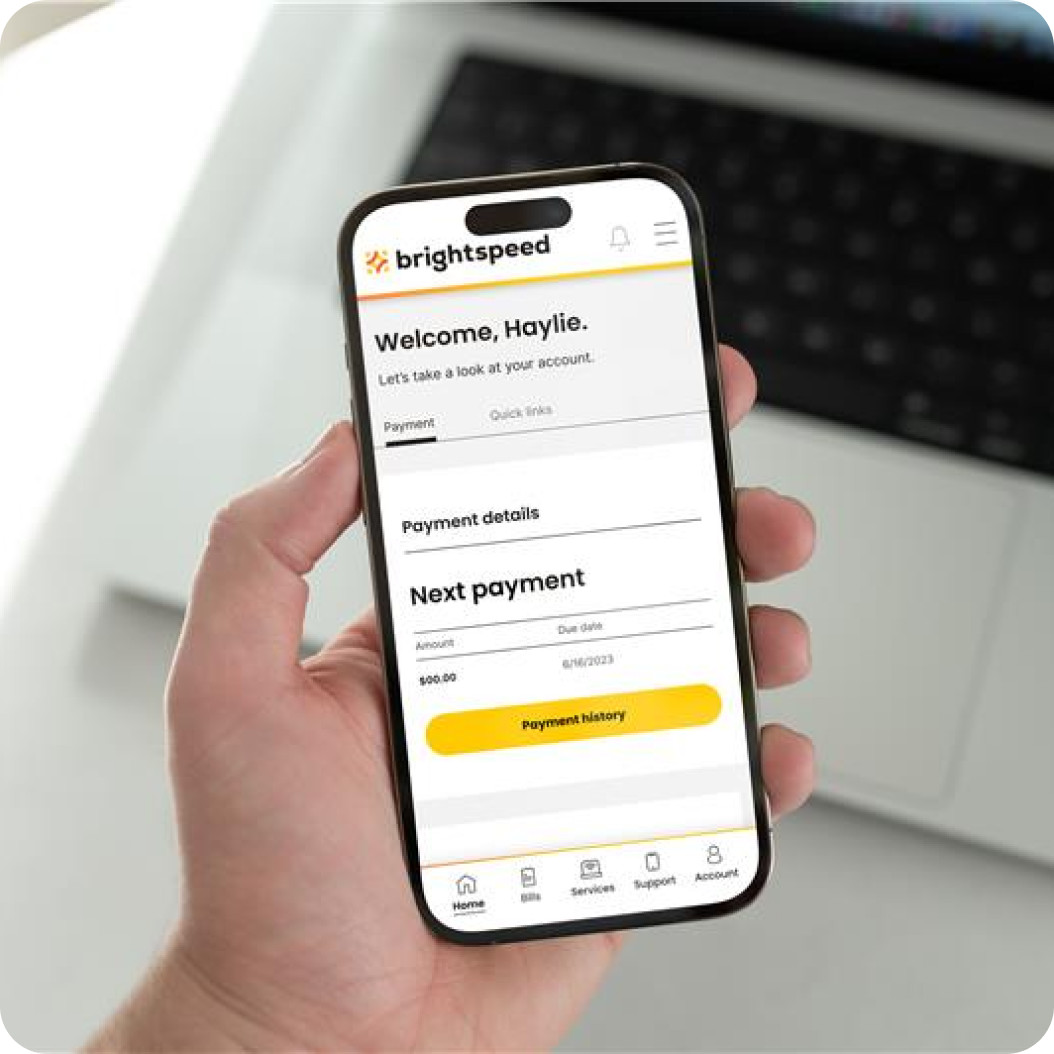
You can still use our app with cellular internet.
Even during an outage, you can check your account or pay your bill on the Brightspeed mobile app.



Stay in the loop.
Sign up for outage updates via text in your account preference center.
